Donations
New Mexico wildlife needs your help! Share with Wildlife funds numerous projects related to wildlife habitat enhancement, wildlife-related education, wildlife rehabilitation, and research on wildlife biology and ecology every year. All projects are made possible through donations made by members of the public.
To make a donation, you may donate part of the refund on your state tax return; purchase a Share with Wildlife license plate; make any dollar amount donation online (minimum $2; see more information below); or mail in a check using this donation form. All donated funds go to supporting wildlife; none are used for administrative costs.
If you want your dollars to go even further in supporting non-game wildlife, consider donating to Share with Wildlife and purchasing a Habitat Management Access Validation simultaneously. Click here for more information about donating and here for information on our State Wildlife Commission Lands.
Donations made to the Share with Wildlife program are tax-deductible for both federal and New Mexico state taxes. Please see U.S. Code Title 26. Internal Revenue Code – section 170c – Charitable Contribution Defined for more information. For more information, please contact your tax advisor or preparer.
Thank you for your support of New Mexico’s wildlife!
 -
-  -
- New Mexico Wildlife License Plate
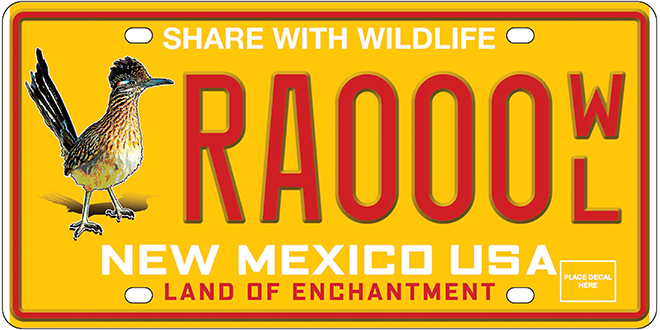
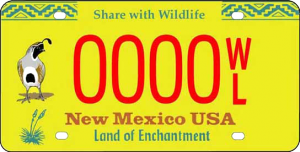
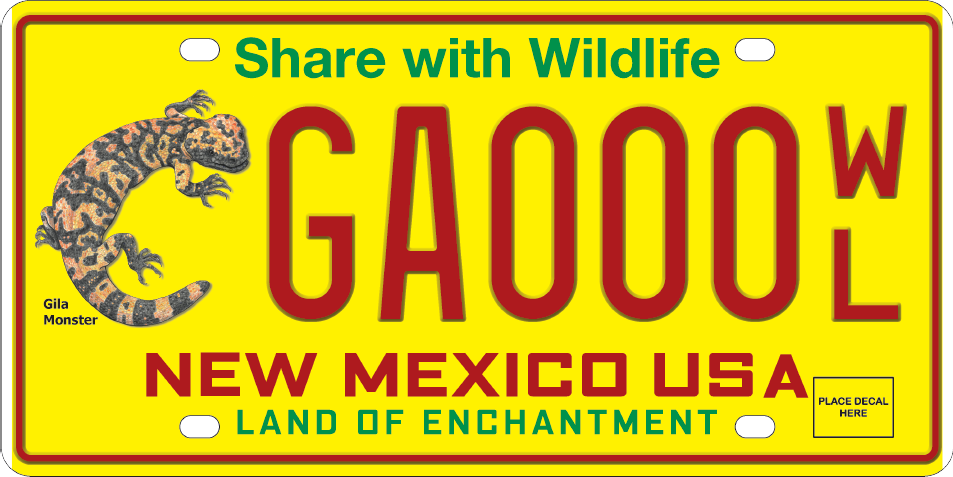
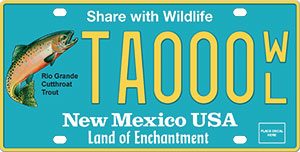
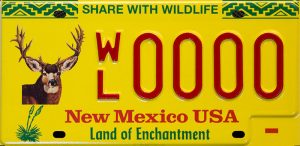
You can purchase any of the five Share with Wildlife license plate designs online directly from the New Mexico Department of Motor Vehicles on the “Replace my Vehicle Plate” page
Donate Online
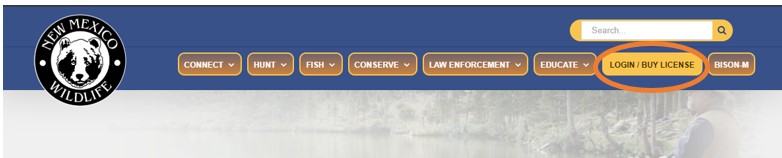
You can donate to Share with Wildlife through your Online Licensing System account by clicking Login / Buy License located at the top of this website:
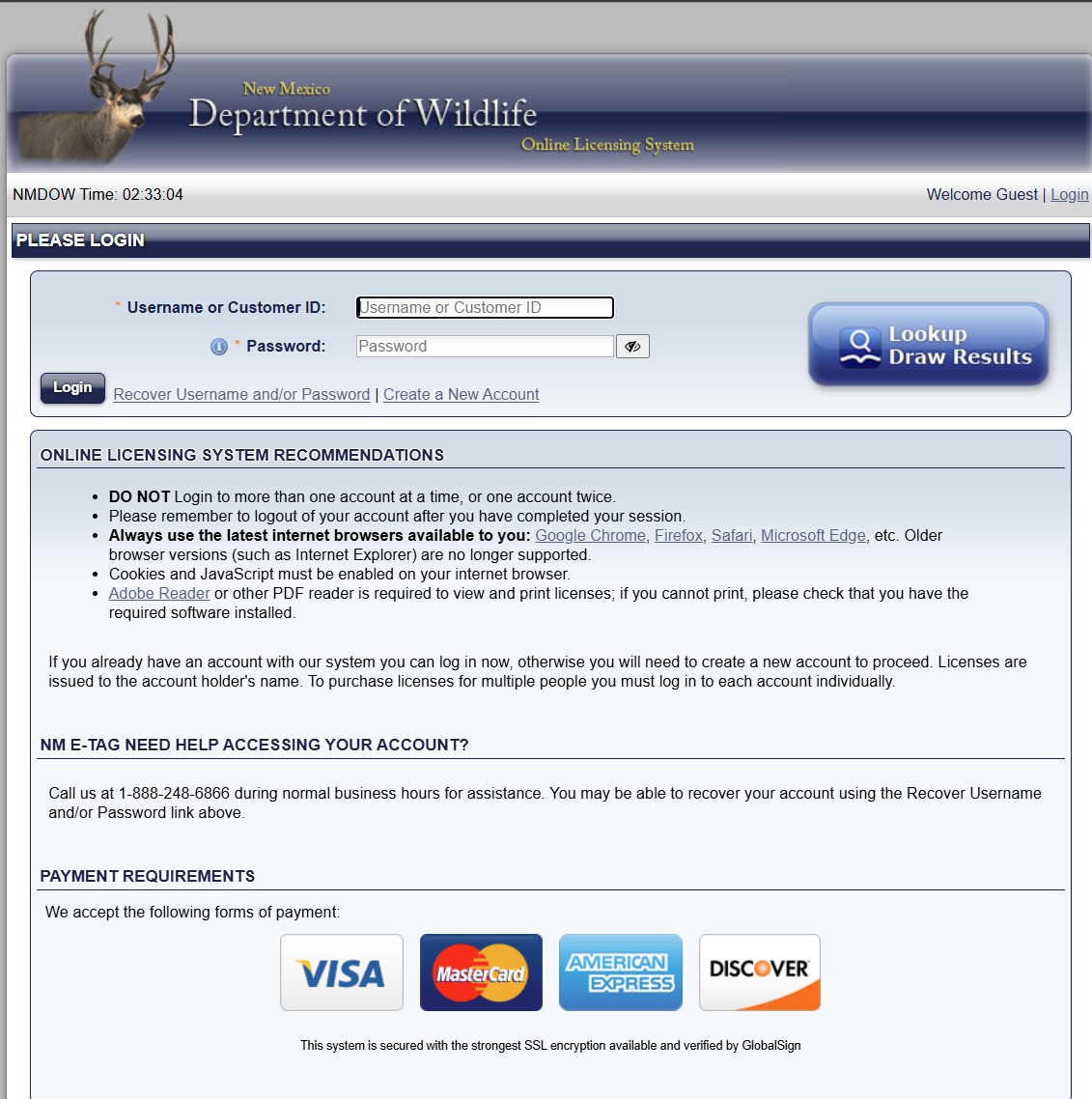
On the Online Licensing System website (shown below) please enter your Username or Customer ID and Password, and then click the Login button.
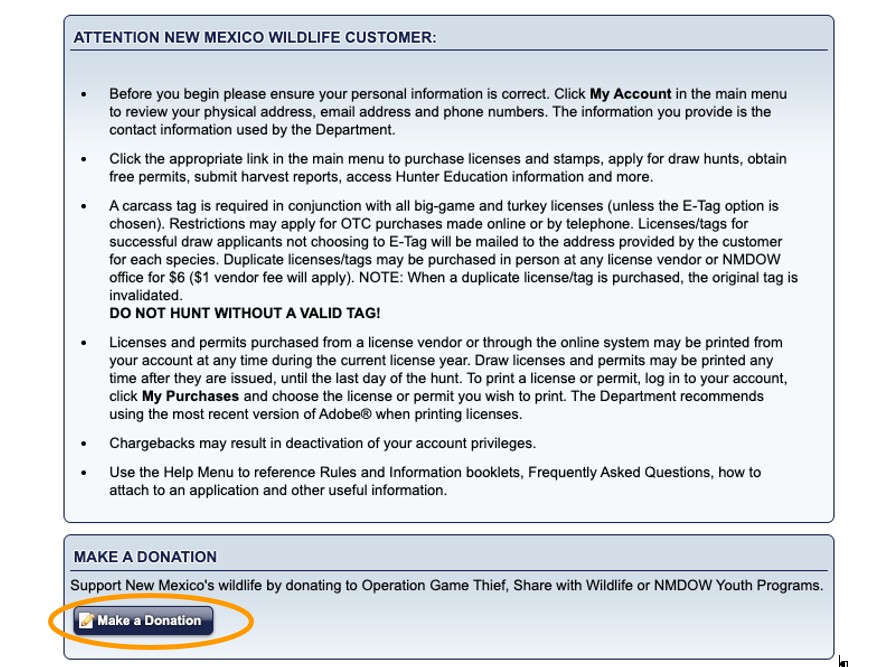
Once you are logged in, if you only wish to donate to Share with Wildlife, click on the Make a Donation button on the home page (shown below).
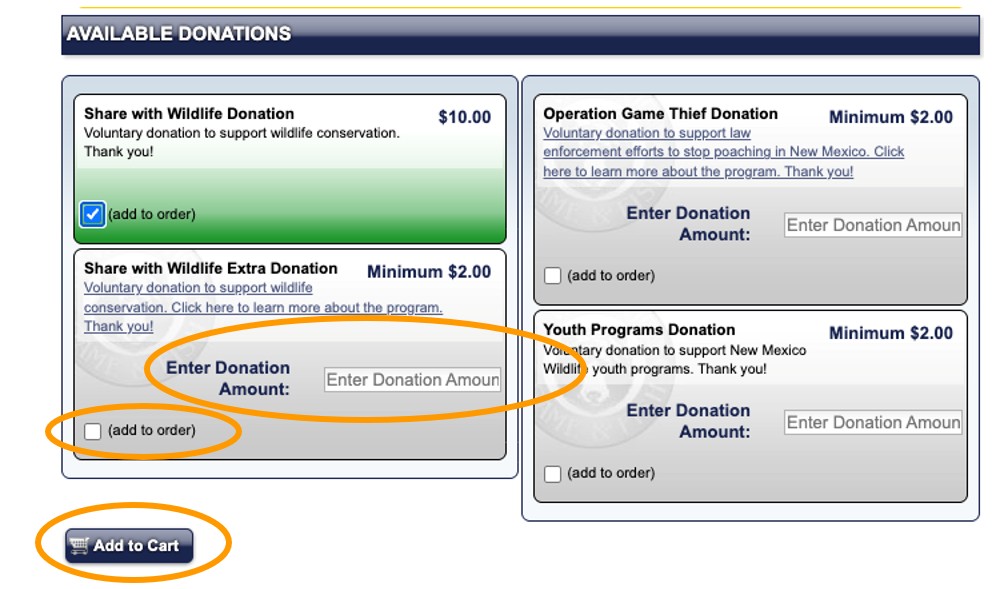
Select (add to order) for the option you wish to select ($10 donation or any amount over $2) and, if donating an amount other than $10, type in the dollar amount (minimum $2) you wish to donate in the Enter Donation Amount box (circled below). Click Add to Cart.
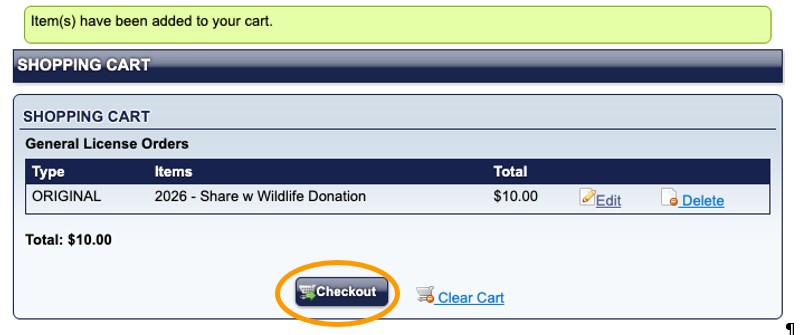
On the next screen, click Checkout and continue on to complete your purchase.
OR
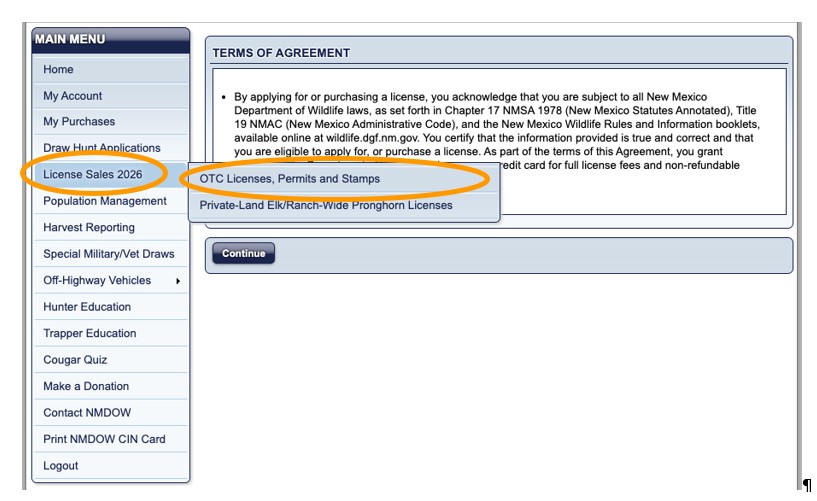
Once you are logged in, if you are purchasing other items through the Online Licensing System, go to License Sales | OTC Licenses, Permits and Stamps from the Main Menu (shown below):
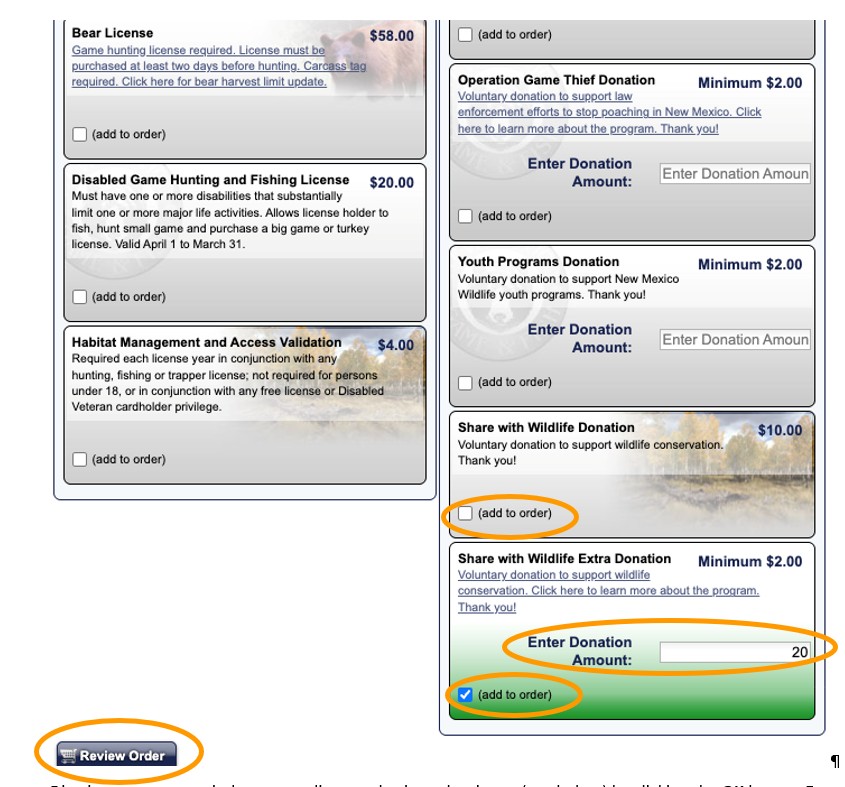
After you read the Terms of Agreement on the next page and click the Continue button, you will see a list of Available Products. Locate the Share with Wildlife Donation product ($10 donation only) OR the Share with Wildlife Extra Donation product ($2.00 minimum donation; type dollar amount to Enter Donation Amount) and click the box next to (add to order). Click the Review Order button.
Dismiss any pop-up windows regarding purchasing other items by clicking the OK button.
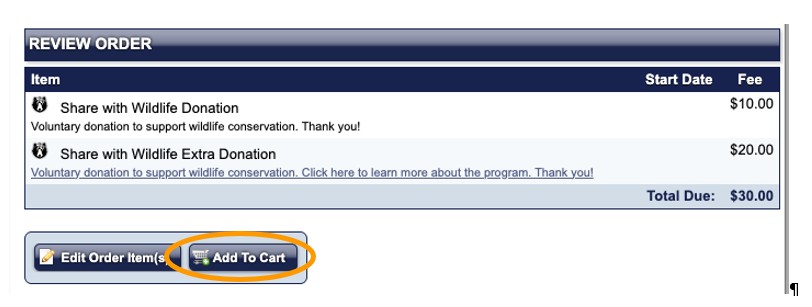
Click Add to Cart button (shown below) on the Review Order page.
On the next screen, click Checkout and continue on to complete your purchase.